Ember & Pixa - Organise Your Images - Preview

Interactive Transcription
The transcript will follow that audio as the video plays. Scroll and click on the transcript to jump to that part of the video.
12,670
Plays
4
Likes
The transcript will follow that audio as the video plays. Scroll and click on the transcript to jump to that part of the video.
12,670
Plays
4
Likes

Two applications in this week's show - Ember and Pixa
Ember is a beautiful application for creating and organising an image library. With iCloud (Mac App Store version only) and Dropbox syncing built in, it will sync your image library between other Macs and iOS devices. Full image annotation support as well as a unique subscription module that allows you to subscribe to the images in your favourite RSS services.
Pixa is another image library manager with a slightly different focus. Auto tagging will sort your images by size and colour. No library sync, but Pixa has Live folders that allow you to catalogue and update folders of images on your Mac direct from Pixa. With support for many third party graphics application file formats and robust, customisable export features, Pixa may just find a place in your graphics toolbox.
I also cover Ember for iOS in this week's iOS show - SCOI0175
The full tutorial covers:
Show Links:
Keyboard Shortcuts
Playback
Screen & position
This show
(5 comments posted)
Re. Pixa, you say that the Cloud upload defaults to Imgur. It does not. It defaults to save to Clipboard. I can see no way to upload to Imgur which was the reason I purchased this after viewing your Screencast.
Is this a recent change? I can see no reference to Imgur in the Pixa documentation or FAQ.
Just checked on another machine and that Pixa install is the same? I never configured it? Might be worth dropping a note to the Pixa developers.
They do not seem to have a help email, only a forum, so I have posted my query on that. Will let you know the outcome.
As an aside, a screencast on Imgur would be good someday.
They do not seem to have a help email, only a forum, so I have posted my query on that. Will let you know the outcome.
As an aside, a screencast on Imgur would be good someday.
Right, this was muse me being thick. It is copying the URL to the clipboard and uploading to Imgur with a unique address. I was hoping I could just get it to upload into my Imgur account.
Sorry for all the confusion. I definitely need a screencast on Imgur. Keep up the good work.
Ember & Pixa - Organise Your Images tutorial is also available to watch in Issue 26 of the ScreenCastsONLINE Monthly As a Premium member, this back issue may be available to you for free, or if published before you became a member, is available for individual purchase as a back issue in the ScreenCastsONLINE Monthly Mag application.
Available on the App Store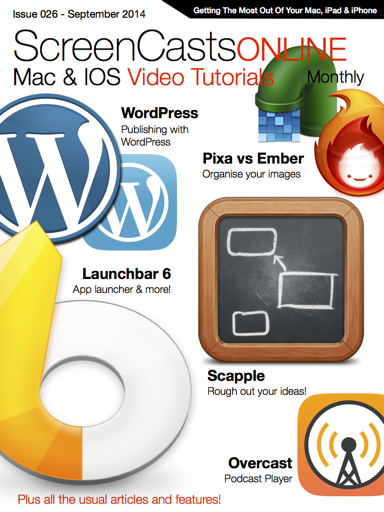
Recent Full Tutorials
All Recent TutorialsWe pride ourselves in our responsiveness, but please allow up to 24 hours for us to get back in touch. We are based in UK so there may be a time difference!
Drop us an email











Posting comments is restricted to ScreenCastsONLINE members only.
Sign Up